Run in-store promotions. Get proof from the field.

Promo App is a field marketing app for South African brands and promotion agencies, built by Silico (Pty) Ltd. It gives your promoters a step-by-step Android app that checks them into the store by GPS, walks them through your questions and captures photos. Back at the office you watch results come in live and download everything to Excel.
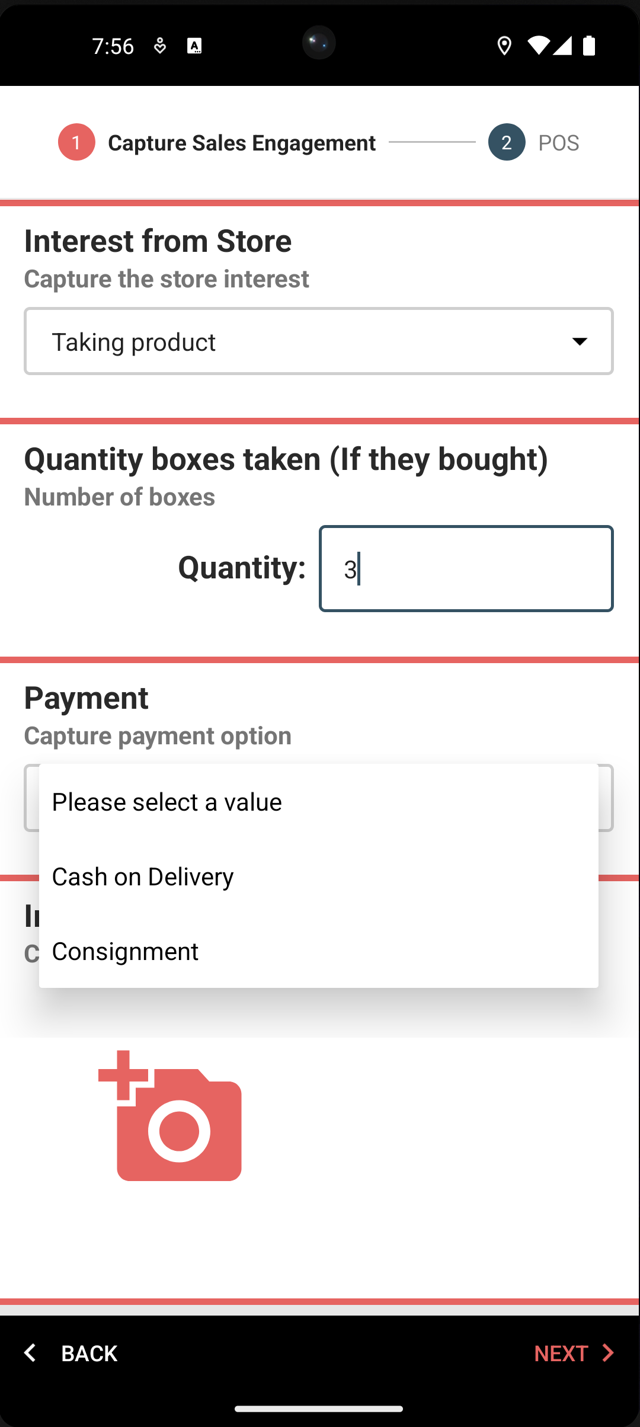
Promo App on a phone, midway through a sales engagement step: store interest, quantity taken and a payment dropdown

How it works

Three steps from brief to results.

1

Build the promo

On the dashboard, create a promotion as ordered steps with the questions you need answered. Clone a past promo to start faster, then assign promoters, managers and the client.

2

Run it in store

Promoters open the app, get matched to the nearest store by GPS, and work through the pre-visit and post-visit steps, capturing answers and photos as they go.

3

Watch results land

Every completed visit appears on the dashboard with its answers, photos, location and timings. Export the whole promotion to Excel whenever you need it.

Features

Built for in-store activations, merchandising audits and trade marketing visits.

GPS store check-in

The app finds the nearest stores from the promoter's location and records latitude, longitude and accuracy with every visit. New stores can be added on the spot.

Photo evidence

Capture shelf, stock and point-of-sale photos inside a step. Images are compressed on the phone and uploaded against the visit.

Flexible question types

Dropdowns, quantities, prices, ratings, free text, confirmations, instructions and photos. Build the exact survey each campaign needs.

Pre and post visit steps

Split a visit into what happens on arrival and what happens after the activation. Start and end times are recorded for each.

Excel exports

Download every answer, photo link and timestamp for a promotion as a spreadsheet, ready for your own reporting or the client's.

Teams and clients

Managers oversee their promoters, admins see everything, and clients get access to only their own promotions and results.

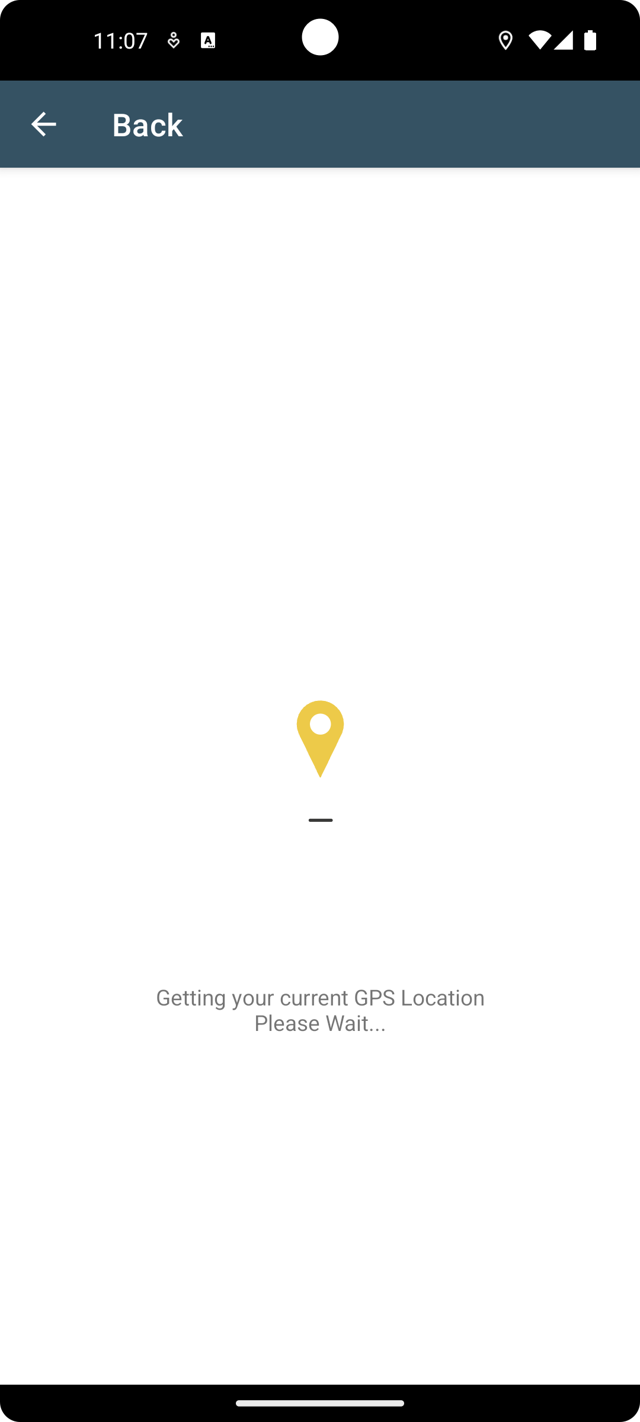
Promo App locating the promoter's current GPS position before a store visit

Promoters: get the app

Promo App runs on Android phones. Install it from Google Play, then sign in with the email or phone number and password your manager gave you. If you don't have a login yet, ask your manager to add you to the promotion.

Get it on Google Play

Frequently asked questions

Promo App is a field marketing app for brands and promotion agencies in South Africa. Promoters use the Android app to check into a store by GPS, work through the questions and photos a campaign needs, and upload the visit. Managers and clients use the web dashboard to build promotions, watch results arrive and export them to Excel. It is built and supported by Silico (Pty) Ltd.

The promoter app runs on Android phones and is installed from Google Play. There is no iPhone version. The dashboard works in any modern web browser.

A mobile data connection is needed to load a promotion and to upload a completed visit. The app remembers which store you checked into, so a short signal drop does not send you back to the start.

A manager or admin creates the promoter on the dashboard and assigns them to a promotion. The promoter then signs into the app with the email address or phone number and password they were given.

One spreadsheet per promotion. Each row is a store visit and includes the store name and contact, the promoter, the GPS position, the visit start and end times, and the answer to every question. Photo answers are included as links to the uploaded images.

Yes. A client can be linked to a promotion and given dashboard access. They see only the promotions they are linked to.

Yes. Promo App can be delivered as a white-labelled app with your own name, icon and colours. The Suits Trade Solution is one example of the same platform under another brand.

Data and photos are stored on Amazon Web Services in the EU (Ireland) region. Access is controlled per tenant, so each company sees only its own promotions, stores and users.

Want to see it on your next campaign?

Send us a short note about the promotion you're planning and we'll set up a demo account so you can build a promo and run a test visit.

Email info@silico.co.za